A
Ankit Kumar BaralPublished on April 15, 2026
11 min read
GPT Integration Guide: Seamlessly Add AI to Your Software
Master OpenAI API integration with practical examples and tips for success.
Master OpenAI API integration with practical examples and tips for success.
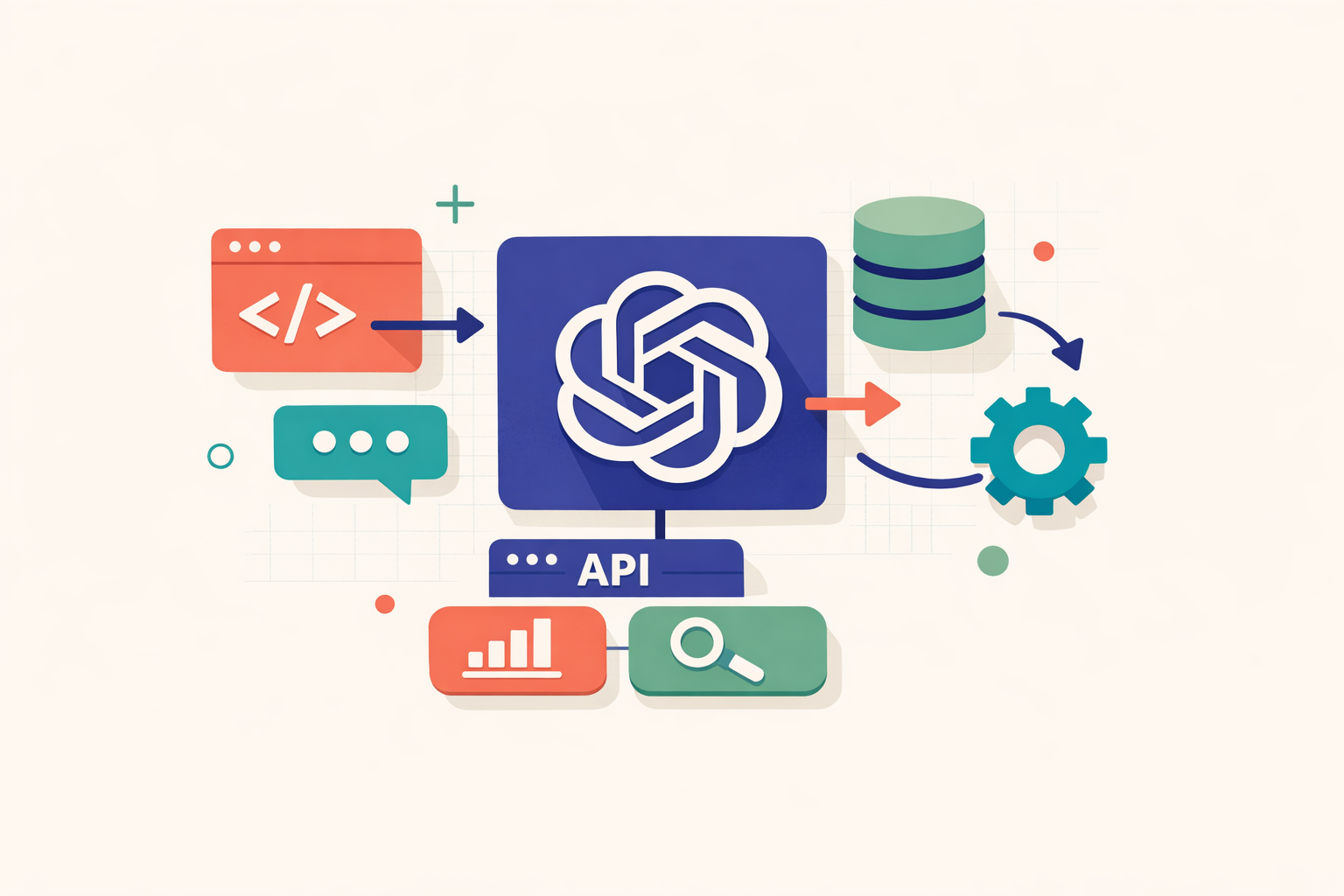
Hero Image - Modern illustration depicting GPT API Integration
In an era where artificial intelligence (AI) is revolutionizing software solutions across various industries, integrating advanced natural language understanding and generation capabilities can provide a significant competitive advantage. By incorporating GPT (Generative Pretrained Transformer) into your application, you can leverage OpenAI's renowned model to enhance both functionality and user experience.
This comprehensive "GPT Integration Guide: Adding AI to Software" serves as a complete resource for everything you need to know about integrating the OpenAI API. The guide will walk you through essential prerequisites—including obtaining an API key and understanding tokens—while also addressing the implications for your cost calculation models.
Our discussion will cover various integration patterns, including:
You can expect a hands-on approach with practical Node.js examples that demonstrate the intricacies of effective integration. Additionally, we will delve into refining your prompts for GPT, practices for prompt engineering, and offer actionable guidance on error handling and cost optimization.
Lastly, the guide will conclude with answers to frequently asked questions about the GPT API—ensuring you have all the information needed for a seamless integration process.
Let's dive in and start harnessing the potential of AI in our software solutions!
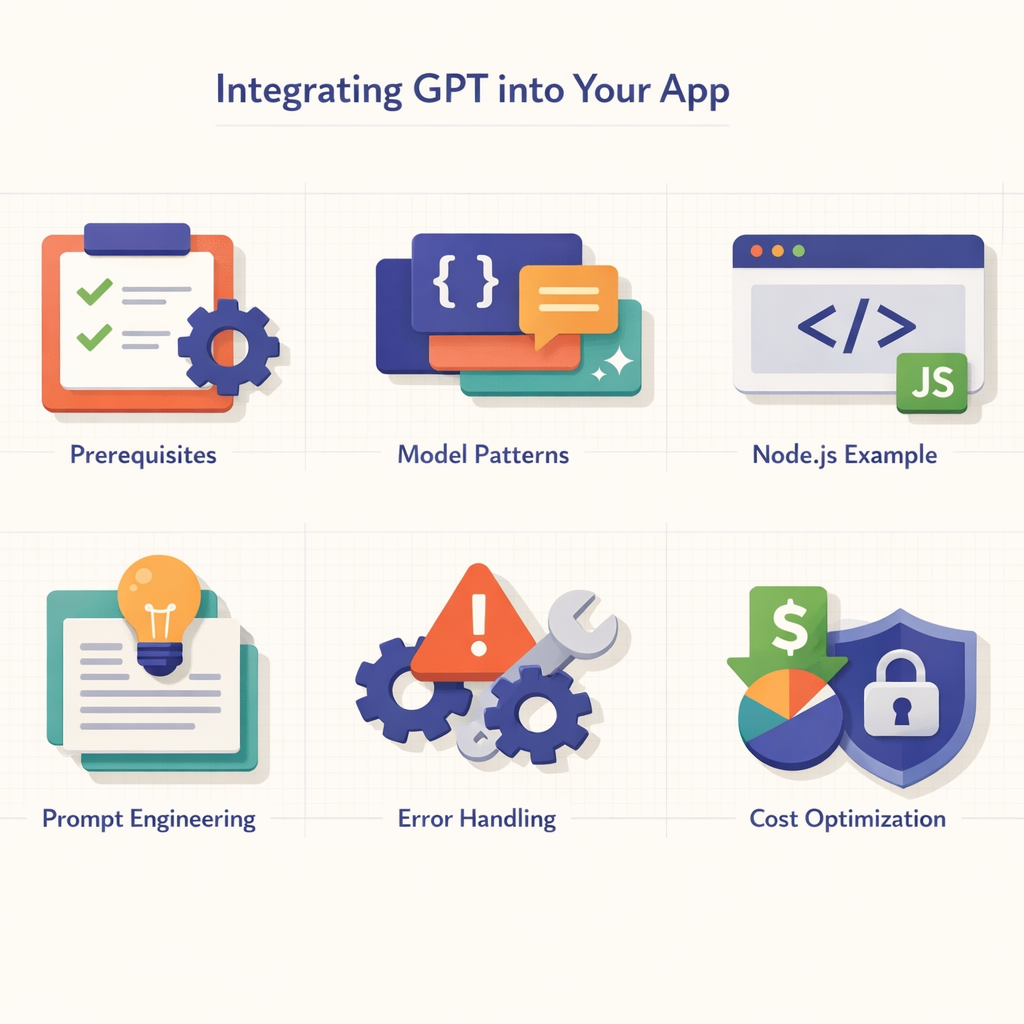 Diagram illustrating the steps of GPT integration into an app
In this guide to integrating GPT, we explore the distinct yet interconnected elements involved in incorporating GPT into an application. The integration of AI into existing software can significantly enhance its capabilities, providing a competitive edge in today's digital landscape.
OpenAI offers GPT as an API, enabling request fulfillment through prompts. A prompt is essentially an initial piece of text that the GPT engine builds upon to generate coherent and relevant output. Integrating this API into your software opens up a multitude of possibilities foruse cases, including translation, content generation, and real-time tutoring. So, how can we achieve this integration effectively?
Before adding AI to your software using this groundbreaking technology, it is essential to understand certain prerequisites. This knowledge will facilitate a smoother OpenAI API integration process and improve error handling.
API Key: OpenAI provides unique API keys for authenticating requests to the API. You can think of this key as an identification card for your software, confirming its access to the GPT-3 service.
Tokens: Text communicated through the API is converted into tokens. Each token represents a portion of your total API quota. Understanding tokenization and managing it effectively is crucial for cost optimization.
Pricing: OpenAI employs a varied pricing model based on multiple factors, including the number of tokens used and the duration of server usage. Incorporating these cost factors into your system's budgeting model is advisable to prevent unexpected expenses and optimize costs.
The process of integrating GPT into an app can follow different patterns, which essentially describe the flow of data from your software to the GPT API.
| Integration Pattern | Description |
|---|---|
| Direct Pattern | In this method, data is passed directly from your app to the GPT API, ensuring prompt responses but potentially introducing security risks. |
| Middleware Pattern | This approach involves using an intermediate data handler between your application and the GPT API. It provides an additional layer of security and greater control over your data, although it may affect latency. |
In our forthcoming GPT API tutorial, we will explore each integration pattern in detail, providing a Node.js example to clarify these concepts further. We will also discuss techniques for effective prompt engineering, strategies for cost optimization related to GPT integration, and essential security measures to ensure your software's robustness. Stay tuned for practical insights and answers to frequently asked questions about GPT integration.
In conclusion, gaining a high-level understanding of AI integration prerequisites, familiarizing yourself with various integration patterns, and mastering the management of API keys and tokens can significantly streamline the exciting process of incorporating OpenAI's GPT into your software. Continue on this journey as we delve deeper into these aspects in the following sections.
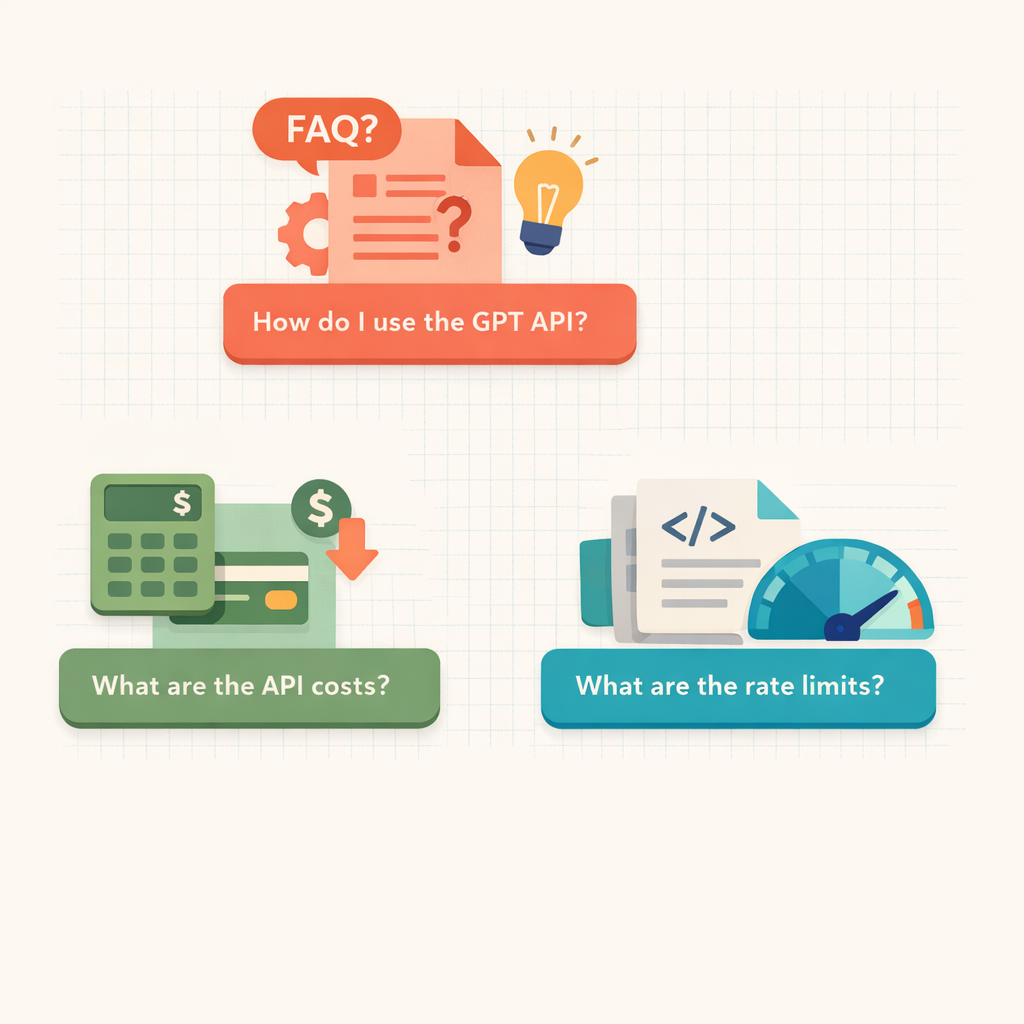 Illustration of FAQs related to GPT API usage and pricing
In our exploration of leveraging the capabilities of GPT (Generative Pretrained Transformer) to enhance your software, we've previously highlighted the importance and considerations involved in this process. Now, let's turn our focus to the practical steps required to integrate GPT into your application via the OpenAI API. We will cover essential prerequisites such as API keys and tokens, along with cost implications.
To successfully integrate GPT into your application, it's crucial to understand the following prerequisites:
Let's explore the various integration patterns available for incorporating GPT into your software:
| Integration Pattern | Description |
|---|---|
| Direct Pattern | Data is sent directly from your application to the GPT API. |
| Middleware Pattern | Introduces a layer that facilitates communication between your application and the GPT API. |
| Streaming Pattern | Enables continuous data streaming between your application and the GPT API. |
| Function Calling Pattern | Allows calls to the GPT API to be made through functions within your application. |
To illustrate this integration process, consider the following example using Node.js:
const openai = require('openai');

openai.apiKey = 'your-api-key';

(async () => {
  const response = await openai.Completion.create({
      engine: "text-davinci-002",
      prompt: "Translate the following English text to French: '{}'",
      max_tokens: 60
  });

  console.log(response.data.choices[0].text.trim());
})();
In this example, we first initialize the OpenAI package and use the API key to access the GPT-3 engine. We then pass a prompt to translate an English sentence into French.
This concludes our detailed discussion on integrating GPT into your app using the OpenAI API. In the next section, we will address some frequently asked questions regarding this integration. Stay tuned!
Having discussed the significance of integrating AI into software and explored the prerequisites for using the OpenAI API, we will now delve into the steps required to integrate GPT into your application. This tutorial will cover common integration patterns, provide a Node.js example, discuss prompt engineering, offer guidance on error handling, and share tips for optimizing costs and ensuring security.
Integrating GPT into your application can be achieved through various patterns:
| Integration Pattern | Description |
|---|---|
| Direct Integration | In this pattern, the application sends data directly to the GPT API. Although this is the easiest to implement, it may overlook opportunities for caching or queuing requests, which can enhance cost optimization and performance. |
| Middleware Integration | This pattern involves a middle layer that facilitates communication between your application and the GPT API. This layer can be beneficial for caching, aggregating requests, and managing partial responses, thus leading to improved error handling and performance. |
| Streaming Integration | In this approach, the application sends requests to the API and processes the responses as streams. It is particularly effective for handling large datasets. |
| Function Calling | Instead of communicating directly with the API, the application calls functions from a library that abstracts the API. This pattern allows for encapsulating API-related logic, facilitating easier testing and code maintenance. |
To illustrate the practical aspects of integrating OpenAI's GPT API, consider the following Node.js example:
const axios = require('axios');
const prompt = 'Translate the following English text to French: "{text}"';

axios.post('https://api.openai.com/v1/engines/davinci-codex/completions', {
  prompt: prompt,
  max_tokens: 60
},
{
  headers: {
    'Authorization': `Bearer ${process.env.OPENAI_API_KEY}`,
    'Content-Type': 'application/json'
  }
}).then((response) => {
  console.log(response.data.choices[0].text.trim());
}).catch((error) => {
  console.error(error);
});
This function sends a POST request to the GPT API with a translation prompt and expects a French translation of the provided English text.
Prompt engineering involves the art of crafting prompts to elicit the desired output effectively. A well-designed prompt clearly specifies the task, context, and style. Experiment, be creative, and iterate based on the system’s responses to achieve optimal results.
Anticipating potential errors is a critical component of any API integration. Implement fallback measures to manage situations where the API service is unavailable or does not respond as expected.
Ensuring the security of your application during the integration of GPT is essential. Always keep your API keys secure and avoid exposing them in client-side code or version control systems.
In the next section, we will address some frequently asked questions regarding GPT and AI integration. Stay tuned.
 Conceptual Illustration - Adding AI to Software Process
By harnessing the power of OpenAI's Generative Pretrained Transformer (GPT), the integration of AI into software has been greatly simplified. In this GPT integration guide, we explored the essential steps for incorporating GPT into your application, with a focus on the intricacies of OpenAI API integration.
Here are some key points to consider:
The integration of GPT into your application can elevate your software's capabilities, thanks to its exceptional text understanding and generation functionalities. It can enhance your offerings with features such as translation, question-answering, tutoring, or content generation. However, it is crucial to have a solid understanding of the prerequisites and integration steps, as with any new technology.
Indeed, as developers and software professionals, we are in an exciting era that promises to transform traditional software solutions into intelligent systems through AI.
In this AI-enhanced age, it is fascinating to envision where GPT and similar technologies will lead us next. One thing is certain: integrating AI into your software is not merely a trend—it represents a significant advancement in software development.
Stay tuned for more insightful guides, such as this GPT integration tutorial, to ensure your applications leverage the latest and best technologies!